Keeping Up With Commodore & Coding for the 64
This post was originally posted on itch.io.
This was my first time really coding for the Commodore 64, even though I've had the machine since 2019. I've had a pretty large selection of games and software that came with the machine that kept me busy and entertained and so I never really felt the need to code something for it.
This changed after last week, where I made Petersoft Soul OS for the Apple II. When I told my dad about the experience, I realized that I should probably try coding for the machine of his childhood, the C64, the next time I was participating in a game jam. I had heard that the C64 had great sprite support, and given that the Apple did not have this I looked forward to using it for whatever the next game would be.
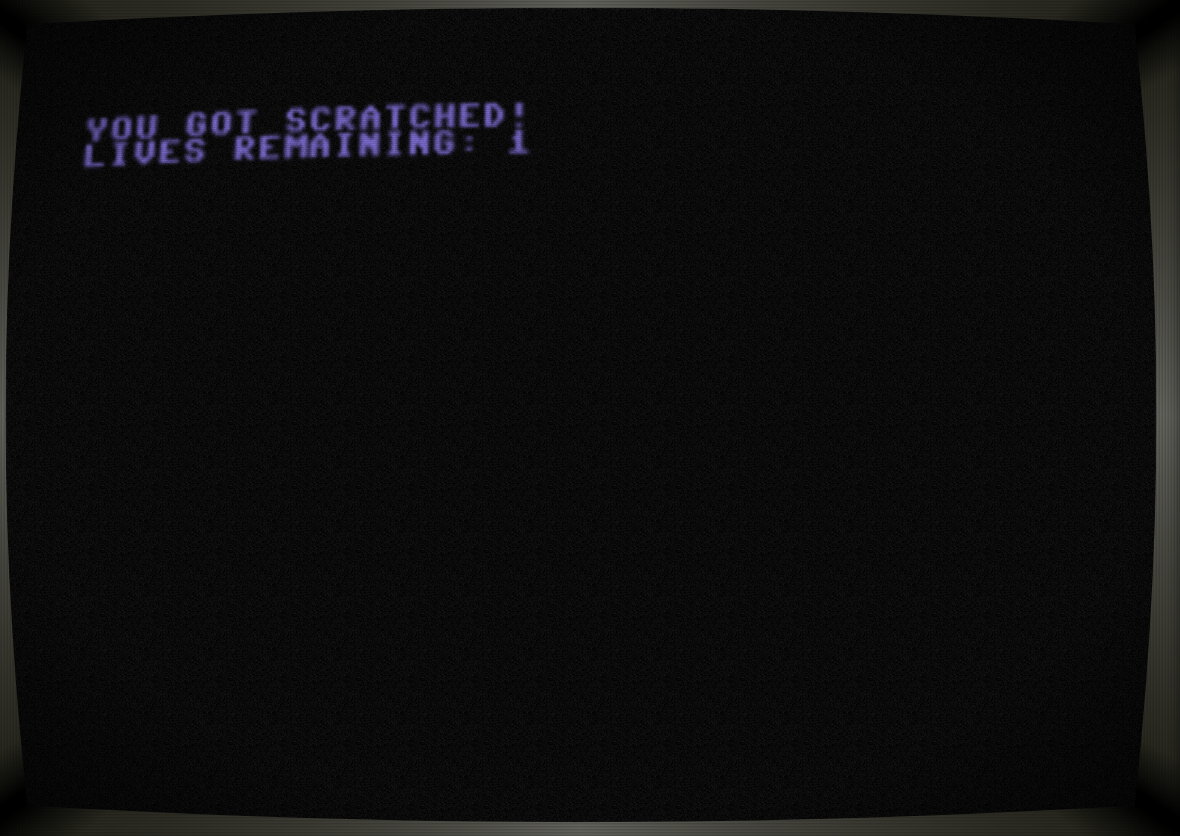
My chance would come with the very next Trijam. The theme of Cute, but Dangerous, lent itself well to something action-y, and I imagined that a stretch goal could be using the legendary SID chip in the C64 to make some great music (a goal I did not achieve). The game I ended up making used all 8 possible sprites, with 1 for the player who has to navigate a "coffee shop" filled with up to 7 sprites of feral cats who are trying to scratch them.
Anyway, enough yapping, here's my postmortem:
What Went Right
I found the PETSCII characters more useful than the MouseText and other Apple II characters for making levels. I didn't really leverage it that much for this game, but I can see the potential there for drawing backgrounds and levels.
I'm also happy with how much of a game I produced, though I did go overtime by an hour troubleshooting collisions and making the menu. The game is pretty fun, the movement feels about right, the art looks pretty good overall, and the interface/menus in the game feel more or less professional. I also felt that my planning went a lot better for this jam with (seemingly) a lot less non-10 aligned code lines.
What Went Wrong
I don't like coding on the C64.
There were an awful lot of direct memory POKEs and PEEKs to manipulate the sprites. I would have expected literally any BASIC commands for managing and running them, but instead I had to do bit math in BASIC that I could insert into RAM directly to do things like enable a sprite. I would also have expected that this kind of access would be pretty efficient, but the game runs (seemingly) a lot slower than I would expect and than an average program on the Apple II.
Related to this clunkiness, I ended up going overtime. I think this was due to two things: slightly too much scope on menus and popup notifications, and the convoluted way that collisions had to be handled. I blame both on the BASIC included with the C64, though I should have assumed more difficulty in coding on a less-familiar platform.
For menus and popups, the C64 lacks direct BASIC support for printing text to arbitrary locations and so I could not easily draw text over the play area of the cafe, and instead had to wipe the screen and redraw every time I wanted to show something to the user. I think there is a way to directly modify the RAM to accomplish this, but this was a bit much to figure out during the 3(4) hours.
For collisions, there is a bug I ended up having to simply work around. In theory, the C64 stores the status of collisions as a single byte of memory. This byte can be read to determine which sprites collided with each other, and since the ones-place bit was the one that indicated the player, any odd number indicated a collision (in theory). However, for whatever reason this collision flag doesn't clear in a predictable way even when manually set, so I had to do a kind of debounce where an extra variable is used to track whether I just handled a collision.
Conclusion
For as much as I don't like coding on the C64 as much as the Apple II, it was interesting to use more low-level control of the computer. I look forward to a future project when I code again on it, and hopefully when I get to play with the SID chip and make some music.